Productivity / Developer setup
The best developer setup in 2026: machine, monitors, ergonomics
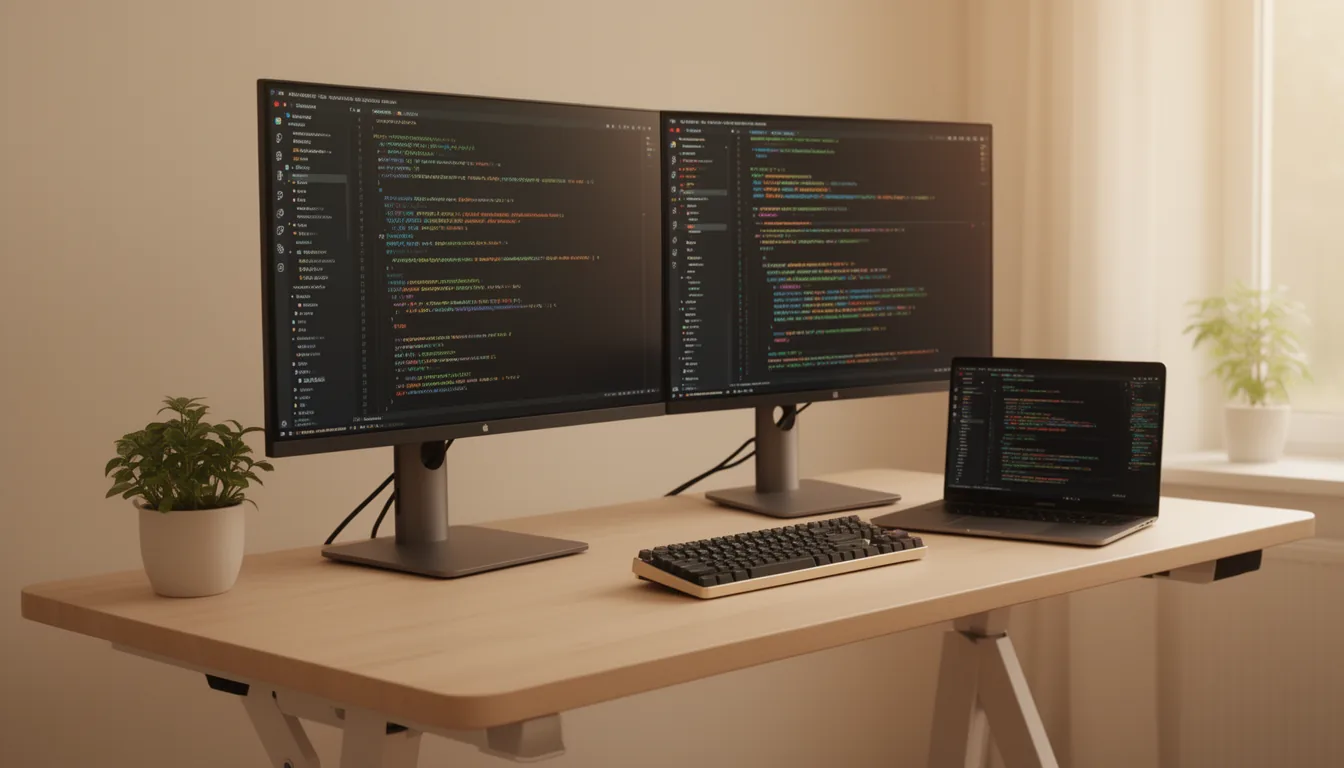
The whole desk, done right. The machine matched to your work (PC or Mac, coding vs ML vs creative), the monitor to code on, and the ergonomics that keep you healthy at it - honest picks, tied to the rest of our guides.
By Evan Cole · Last updated July 17, 2026
1. The machine: match it to your work
Dev priorities invert gaming: for most coding, cores and RAM matter more than a big GPU, which sits idle unless you do ML or creative work. Here's the RAM to target by workload:
Web/app coding, compiles and containers are CPU + RAM bound (a 16-core Ryzen 9 9950X flies through them); the GPU only becomes the priority for ML/CUDA, 3D and video. 2026 note: RAM is expensive right now - see our RAM guide.
- Web / app / backend dev — a 12-16 core Ryzen 9 9900X/9950X, 32-64GB RAM, a fast 2TB NVMe, and only a modest GPU (integrated is fine). Build it with our configurator.
- ML / AI dev — the GPU is the build. VRAM caps model size, so start from our best GPU for AI + VRAM calculator; pair with 64-128GB RAM.
- Video / 3D creator — cores and a big-VRAM GPU and fast, large storage. See best AI PC and best CPU.
The Mac option for developers
Plenty of developers prefer a Mac - quiet, efficient, and its unified memory doubles as VRAM for local AI (a Mac Studio can hold models a PC GPU can't). The current lineup, and which fits which job:
| Mac | Memory | ~Price | Best for |
|---|---|---|---|
| MacBook Air (M5, 13/15") | 16-32GB unified | ~$1,299 | Coding on the go, web/app dev |
| MacBook Pro 14 (M5 / Pro / Max) | 24GB base to 128GB | ~$1,599+ | Serious coding + local ML on a laptop |
| MacBook Pro 16 (M5 Max) | up to 128GB | ~$5,000 maxed | Local-LLM / video / 3D, portable |
| Mac mini (M4 / M4 Pro) | 16-24GB | ~$1,499 (Pro) | Cheap always-on dev desktop / CI |
| Mac Studio (M4 Max / M3 Ultra) | 36GB to 512GB | from ~$2,499 | Heavy local-LLM (512GB!), pro video/3D |
Laptops are on M5 (2026); desktops still M4/M3. Prices are approximate and rose twice in 2026 - verify before buying. Deciding Mac vs PC for local AI? See our Mac vs PC and best AI PC guides.
2. The monitor
For coding, text sharpness beats everything - a 27-inch 4K USB-C hub monitor is the sweet spot, dual 27-inch 4K is the power setup, and Mac devs want 5K/6K. The full breakdown, the pixel-density chart and the picks are in our dedicated guide: best monitors for programming 2026.
3. Ergonomics: the desk that keeps you working
You'll spend more hours here than at any other machine you own. Get these right:
- Sit-stand desk — alternating positions cuts sedentary time (honestly: the benefit is alternating, not standing all day). Our standing desks guide has the picks; look for a quality actuator (premium desks use makers like Linak for smooth, quiet lift).
- Ergonomic chair — the Herman Miller Aeron (buy used ~$350 to save) or Steelcase Leap are the top tier; Branch, Sihoo and the Autonomous ErgoChair Pro (~$500, a popular, well-reviewed ergonomic chair) are the value picks. Check ergonomic chairs →
- Monitor arm — get the screen to eye level and reclaim desk space. The honest value tell: the Amazon Basics arm is made by Ergotron and nearly identical to the LX for a fraction of the price. Check monitor arms →
- Keyboard — a comfortable board for all-day typing; see our keyboards for programming.
- Mouse — a sculpted or vertical mouse (the Logitech MX Master 4 or MX Vertical) eases wrist strain over long days; see our best mouse.
- Bias lighting + a wrist rest — a light strip behind the monitor eases eye strain in dim rooms, and a memory-foam wrist rest is a cheap comfort win.
Frequently asked questions
Do developers need a powerful GPU?
Only for some work. For pure web, app and backend coding, compiling, containers and VMs, the GPU sits idle - you're bound by CPU cores and RAM, and integrated graphics or a cheap card is fine. You need a powerful, big-VRAM GPU if you do machine learning / CUDA, 3D (Blender/CAD + GPU render), or GPU-accelerated video export. Match the machine to the workload rather than buying a gaming GPU by default.
What's the best CPU for programming and development in 2026?
For dev work, cores and threads matter more than gaming's single-thread-plus-cache priority. The 16-core AMD Ryzen 9 9950X is a workstation chip that flies through parallel compiles, containers and rendering; the 12-core Ryzen 9 9900X is the value step below; Intel's Core Ultra 9 285K is the alternative where specific encode workflows help. That's the opposite of the gaming pick (an 8-core X3D) - see our best CPU for AI/dev and AMD vs Intel guides.
Is a Mac or a PC better for development?
It's two philosophies. A Mac's unified memory is one pool shared by CPU and GPU, so a Mac Studio can hold local-AI models a PC GPU can't fit in VRAM, and Macs are quiet, efficient and portable - great for web/app and iOS dev. A PC wins on raw VRAM ceiling, upgradeability and the CUDA ecosystem for ML. For pure coding either is excellent; for local LLMs it's a capacity-vs-speed trade-off covered in our Mac vs PC guide.
Which Mac should a developer buy?
For pure coding, a MacBook Air M5 (16GB) or a Mac mini M4 Pro on the desk is plenty. For local ML / large LLMs, unified memory is your 'VRAM', so a Mac Studio (up to 512GB) or a MacBook Pro 16 M5 Max (128GB) holds big models - and memory bandwidth, not the chip generation, decides local-LLM speed. For video/3D, a Mac Studio M4 Max/M3 Ultra with a Studio Display.
Is a standing desk actually worth it for developers?
The honest answer: the benefit is about alternating sitting and standing and cutting total sedentary time, not standing all day. Sit-stand desk studies (2024-25 reviews) show they reduce daily sedentary time by roughly 60-80 minutes and can help with chronic back pain - real, but not a magic calorie-burner. If you sit coding for 8+ hours, a sit-stand desk plus a good chair is a worthwhile health investment; just use both positions.
Sources & method
Workload-to-hardware guidance draws on our own CPU and GPU testing synthesis; the Mac lineup and prices are from Apple and retailer listings (laptops M5, 2026; desktops M4/M3; prices volatile after two 2026 hikes); the sit-stand evidence is from 2024-25 systematic reviews (reduced sedentary time, not calorie-burn); the Amazon-Basics-is-Ergotron and used-Aeron value tells are widely reported (Wirecutter, Forbes). Prices approximate mid-2026 US street; drawn from independent sources, cited across our linked guides. Last verified July 2026.
Related buyer's guides
All reviews →Buyer's guide / PC builds
Best gaming PC under $1,500 in 2026
The honest $1,500 build: a 16GB RX 9060 XT, Ryzen 5 and 32GB DDR5 for strong 1080p-ultra and entry-1440p gaming — with the real shortage-adjusted total, where every dollar goes, and whether a prebuilt beats it this year.
See the build →
Buyer's guide / PC builds
Best gaming PC under $2,000 in 2026
The value sweet spot: near-flagship 1440p gaming built around the RX 9070 XT and an X3D CPU — with the honest 2026 total, budget allocation, and exactly how to duck under a hard $2,000.
See the build →
Buyer's guide / PC builds
Best gaming PC under $3,000 in 2026
Where 4K becomes real: the fastest gaming CPU paired with an RTX 5080 for 1440p-max and 4K-high with DLSS 4 — the honest shortage-adjusted total, where every dollar goes, and a matched monitor.
See the build →
Buyer's guide / PC builds
Best gaming PC under $5,000 in 2026
The honest high-end build: a fully-maxed RTX 5080 creator-gaming machine with a 16-core 9950X3D, 64GB and 4TB — plus the truth about why $5,000 does not reliably buy a 5090 at 2026 street prices.
See the build →
Buyer's guide / AI PCs
LLM VRAM calculator
Enter a model size, quantization and context length to estimate the VRAM or unified memory an LLM needs to run locally — and instantly see which 2026 machines can hold it.
Use the calculator →
Buyer's guide / AI PCs
How to run LLMs locally: the 2026 hardware guide
How much VRAM or unified memory you need to run 7B-120B models locally, the capacity-vs-bandwidth tradeoff, and the 2026 hardware that hits each point on the curve — GB10, Ryzen AI Max, Apple Silicon and RTX GPUs.
Read the guide →