Buyer's guide / Motherboards
Best gaming motherboards in 2026: B650 to X870E, tied to your build
The honest version: your chipset barely changes gaming FPS - a $150 B650 games as fast as a $500 X870E on the same CPU. Here's the right board for each build, when X870E is actually worth it, and why AM5 is the smart long-term socket.
By Evan Cole · Last updated July 17, 2026
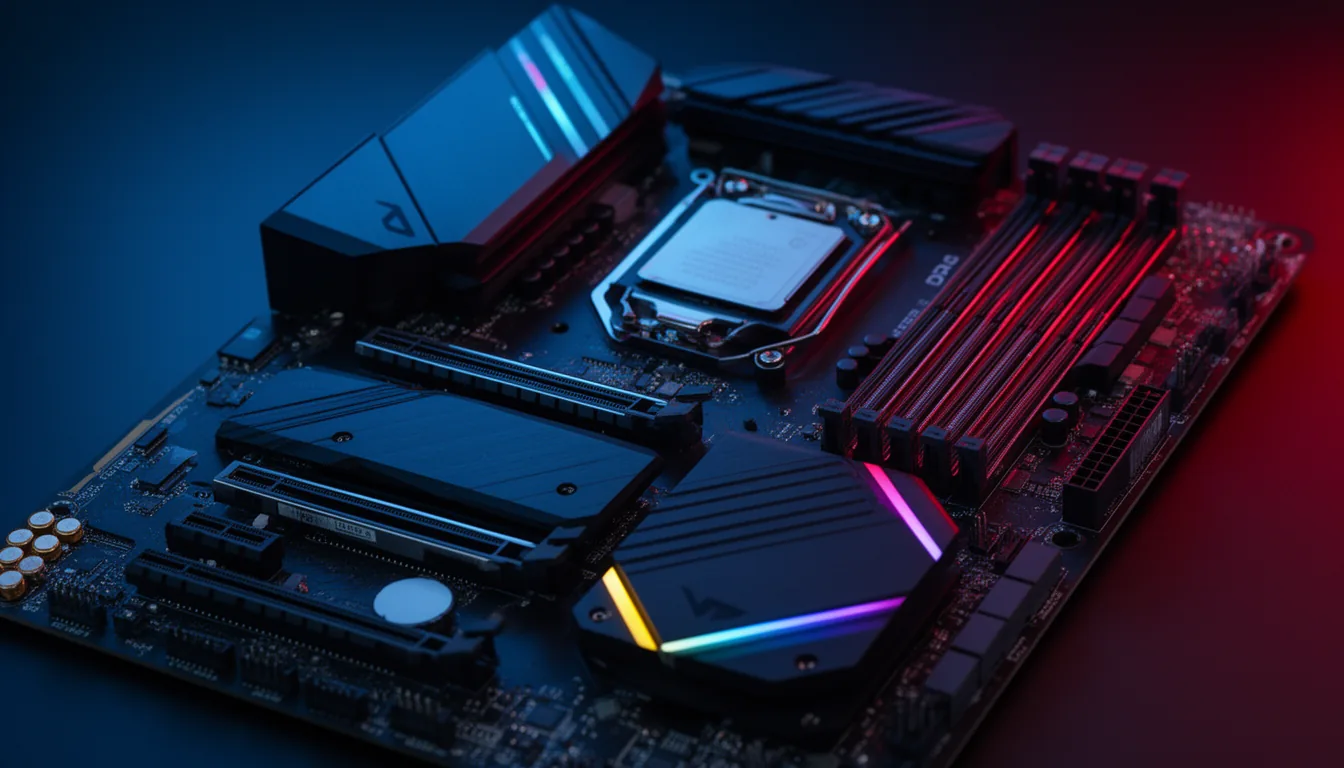
First, the truth: your motherboard barely changes gaming FPS
The single most important fact in buying a board, and the one most guides bury: a Ryzen 7 9800X3D and an RTX 5080 produce essentially the same frame rate on a $150 B650 board as on a $500 X870E - because frames come from the CPU and GPU, not the chipset. A better board buys you VRM headroom (so a high-core CPU doesn't throttle), connectivity (USB4, WiFi 7, more M.2 slots) and longevity - never FPS. So the goal isn't the fanciest chipset; it's a solid board at the right tier, and the savings go toward the GPU.
How to choose in 2026
- Socket first. AM5 board for a Ryzen 7000/9000 CPU; Intel LGA1851 for Core Ultra 200S. Not interchangeable.
- Chipset tier vs need. B650 / B650E / B850 is enough for all gaming, including X3D. X670E / X870E only earns its price for PCIe 5.0 SSDs, heavy I/O or USB4.
- VRM over chipset for high-core CPUs. A 16-core 9950X3D wants a stout VRM (Tomahawk-class or better) - that's a board-quality question, not a chipset-badge one.
- Form factor: ATX for the most VRM and slots; mATX/ITX for compact builds (B-series is ideal for ITX).
- DDR5 + EXPO. On AMD it's EXPO (not XMP); check the board's memory QVL for your kit.
- WiFi 7 / USB4 if you need them - USB4 is guaranteed only on X870/X870E.
Why AM5 is the smart long-term socket
AMD has committed to supporting the AM5 socket through 2029, covering Zen 6 and Zen 7. A good AM5 board bought now can take one or two future CPU generations with at most a BIOS update - a real edge over Intel's LGA1851, which hasn't been confirmed beyond Arrow Lake. If you might upgrade the CPU in a couple of years, AM5 is the safer bet.
The picks (and the build each belongs in)
Best value (AMD B650E): ASRock B650E PG Riptide WiFi
— VerdictBits editorial score
Reasons to buy
- Full PCIe 5.0 to both GPU and M.2 at a value price
- VRM handles an X3D chip comfortably
- WiFi included
- The board in our sweet-spot build
Reasons to avoid
- B650E tier — USB4 not guaranteed (X870/X870E only)
- Some 600-series boards need a BIOS update to boot Ryzen 9000
Full PCIe 5.0 to both GPU and SSD at a value price, with a VRM that handles an X3D chip comfortably - the board in our sweet-spot build. You do not need to spend more for gaming.
Spec: AM5, B650E, PCIe 5.0 GPU + M.2, strong VRM, WiFi. Price: ~$180-230. In our sweet-spot build. Check current price →
Best budget (AMD B650): MSI B650 Gaming Plus WiFi / ASUS TUF B650-Plus WiFi
— VerdictBits editorial score
Reasons to buy
- Reliable, currently-supported B650
- Runs any Ryzen gaming CPU
- One-click EXPO and WiFi
- The board in our entry build
Reasons to avoid
- Lighter VRM — step to a Tomahawk-class board for a high-core chip
- B650, not B650E (no PCIe 5.0 to the SSD)
A reliable, currently-supported B650 that runs any Ryzen gaming CPU - the board in our entry build. Step up to a Tomahawk-class board only if you want a beefier VRM for a high-core chip.
Spec: AM5, B650, one-click EXPO, WiFi. Price: ~$130-160. In our entry build. Check current price →
Best mainstream (AMD B850): MSI MAG B850 Tomahawk MAX WiFi
— VerdictBits editorial score
Reasons to buy
- Stout VRM
- Mandatory Gen5 M.2
- Boots Ryzen 9000 with no BIOS flash
- B650-class value with more headroom
Reasons to avoid
- Costs more than a plain B650 (~$220-260)
- Still no guaranteed USB4 (B850)
The 2026 mainstream default: a stout VRM, Gen5 M.2, and it boots a Ryzen 9000 chip with no BIOS flash. The natural pick if you want B650-class value with a little more headroom.
Spec: AM5, B850, mandatory Gen5 M.2, strong VRM, ships Ryzen-9000-ready. Price: ~$220-260. Check current price →
Best high-end (AMD X870E / X670E): ASUS ROG Strix X870E-E Gaming WiFi
— VerdictBits editorial score
Reasons to buy
- Mandatory USB4
- PCIe 5.0 x16 plus Gen5 M.2
- WiFi 7, heavy VRM and I/O
- The board in our halo build
Reasons to avoid
- ~$400 — worth it for the I/O, not for gaming FPS
- Overkill for most gamers (a B650E games the same)
Only worth it for what it actually adds over B650 - USB4, PCIe 5.0 everywhere and heavy I/O - not for gaming FPS. The board in our halo build; our high-end build uses the excellent (cheaper) ASUS TUF X670E-Plus.
Spec: AM5, X870E, PCIe 5.0 x16 + Gen5 M.2, mandatory USB4, WiFi 7, heavy VRM. Price: ~$400. In our halo build. Check current price →
Best Mini-ITX (AMD): ASRock B850I Lightning WiFi
— VerdictBits editorial score
Reasons to buy
- Right tier for small-form-factor
- Gen5 M.2 and WiFi 7
- Full features without paying for unusable X870E lanes
Reasons to avoid
- ITX form factor limits expansion slots
- B850, not the top I/O tier (fine for ITX)
B-series is the right tier for small-form-factor - full features without paying for X870E chipset lanes you can't use in ITX.
Spec: AM5, B850, Mini-ITX, Gen5 M.2, WiFi 7. Price: ~$200. Check current price →
Best Intel (LGA1851 Z890): ASRock Z890 Taichi Lite
— VerdictBits editorial score
Reasons to buy
- Z890 enables CPU overclocking for unlocked K chips
- PCIe 5.0 and Thunderbolt 4
- The pick if you're going Intel Arrow Lake
Reasons to avoid
- Only worth it with an unlocked K chip
- LGA1851 has a shorter upgrade life than AM5 (through 2029)
- ~$399
If you're going Intel Arrow Lake, Z890 is the only tier with CPU overclocking - worth it only with an unlocked K chip. For gaming value, AMD AM5 has the longer upgrade life (see below).
Spec: LGA1851, Z890, PCIe 5.0, CPU overclocking, Thunderbolt 4. Price: ~$399. Check current price →
Best back-connect (clean-cable BTF): Gigabyte X870 Aorus Stealth (or ASUS BTF / MSI Project Zero)
— VerdictBits editorial score
Reasons to buy
- Rear-connector layout for a clean, cable-free front
- X870 platform with USB4
Reasons to avoid
- Fits ONLY a matching back-connect case — budget for both
- The three brands' back-connect layouts aren't cross-compatible
- ~$299
Hides all the cables behind the board for a clean build. The catch: a back-connect board fits ONLY a case designed for it - budget for both together.
Spec: AM5, rear-connector layout - needs a matching back-connect case. Price: ~$299. Check current price →
A note on back-connect (BTF) boards
Back-connect boards (ASUS BTF, MSI Project Zero, Gigabyte Stealth) move the power connectors to the rear for a clean, cable-free front - but they fit only a case specifically designed for rear-connector boards, and the three brands' layouts aren't cross-compatible. If you want that look, buy the board and a matching back-connect case together.
Compare retailers: our picks link to Amazon — it's also worth cross-checking current motherboard prices on Newegg →.
Frequently asked questions
Does the motherboard affect gaming performance / FPS?
No - not in any way you'll notice. Your frames come from the CPU and GPU; the same Ryzen 7 9800X3D and RTX 5080 perform essentially identically on a $150 B650 board and a $500 X870E. What a better board buys you is VRM headroom (so a high-core CPU doesn't throttle under sustained load), connectivity (USB4, WiFi 7, more M.2 slots) and longevity - not frame rate. Anyone who tells you a pricier chipset makes games run faster is selling something.
Is a B650 good enough for a 9800X3D (or gaming in general)?
Yes. A good B650 or B650E board runs a Ryzen 7 9800X3D - or any gaming CPU - at full gaming performance; the X3D chips don't need a premium chipset. You want a decent VRM (most B650 boards have one; step up for a 16-core 9950X3D), and note that some older 600-series boards need a quick BIOS update before they'll boot a Ryzen 9000 chip - look for a BIOS Flashback button, or buy an 800-series board that ships ready.
B650 vs X670E vs X870E - which do I need?
For gaming, B650/B650E/B850 is enough - full stop. Step up to X670E or X870E only if you specifically need what they add: PCIe 5.0 to multiple M.2 SSDs, lots of USB and SATA ports, add-in cards, 10G networking, or (on X870/X870E) mandatory USB4. None of that changes your frame rate. If you're not sure you need those, you don't - put the money toward the GPU.
What motherboard should I get for a Ryzen 7 9800X3D?
A good B650E or B850 board is the sweet spot - it runs the 9800X3D at full speed for far less than an X870E. Prioritise a solid VRM (a Tomahawk-class board or our value pick) over chipset tier. Only go X870E if you need USB4 or PCIe 5.0 across multiple SSDs. See our AMD vs Intel gaming guide for the CPU side of the decision.
Do I need X870E, or is it a waste for gaming?
For pure gaming it's a waste of money - a B650E delivers the same frames. X870E earns its price only if you'll actually use its extras: mandatory USB4 (40Gbps, for Thunderbolt docks and fast external NVMe), PCIe 5.0 to both the GPU and multiple SSDs, and heavy I/O. If that describes you, it's a great platform; if not, buy B650/B850 and spend the difference on the GPU.
Is WiFi 7 worth it on a motherboard?
It's a nice-to-have that's common on mid-range boards now, so you often get it without paying extra. It only matters if you have a WiFi 7 router and a reason to want the higher throughput and lower latency; on a wired connection it's irrelevant. Don't pick a board for WiFi 7 alone - pick it for VRM, form factor and the ports you need, and take WiFi 7 if it's included.
How long will an AM5 motherboard last - can I upgrade the CPU later?
AM5 has the longest upgrade runway going: AMD has committed to supporting the socket through 2029, covering Zen 6 and Zen 7. That means a good AM5 board bought now can take one or two future CPU generations with (at most) a BIOS update - a real advantage over Intel's LGA1851, which hasn't been confirmed beyond Arrow Lake. It's the strongest argument for building on AMD in 2026.
Are motherboard prices affected by the 2026 memory shortage?
Not directly - boards contain no memory. Ironically the shortage has pushed some board prices down (the DDR5 spike hurt build volumes, so boards get discounted while RAM is expensive). The motherboard is one of the least-inflated parts of a 2026 build, so pick a sensible B650/B850 and put your scarce budget toward the RAM and GPU that actually got pricey.
Sources & method
Chipset specs and current picks are from Tom's Hardware, Puget Systems and current retailer listings; the chipset-doesn't-affect-FPS point and the VRM-over-chipset guidance reflect the consensus of independent testing (Hardware Unboxed, TechSpot, PCGamesN). The AM5-through-2029 commitment was confirmed by AMD at Computex 2026. Prices are approximate US street and volatile - the 2026 memory shortage has actually softened board prices; measurements are drawn from independent testing, cited inline. Last verified July 2026.
Related buyer's guides
All reviews →Buyer's guide / PC builds
Best gaming PC under $1,500 in 2026
The honest $1,500 build: a 16GB RX 9060 XT, Ryzen 5 and 32GB DDR5 for strong 1080p-ultra and entry-1440p gaming — with the real shortage-adjusted total, where every dollar goes, and whether a prebuilt beats it this year.
See the build →
Buyer's guide / PC builds
Best gaming PC under $2,000 in 2026
The value sweet spot: near-flagship 1440p gaming built around the RX 9070 XT and an X3D CPU — with the honest 2026 total, budget allocation, and exactly how to duck under a hard $2,000.
See the build →
Buyer's guide / PC builds
Best gaming PC under $3,000 in 2026
Where 4K becomes real: the fastest gaming CPU paired with an RTX 5080 for 1440p-max and 4K-high with DLSS 4 — the honest shortage-adjusted total, where every dollar goes, and a matched monitor.
See the build →
Buyer's guide / PC builds
Best gaming PC under $5,000 in 2026
The honest high-end build: a fully-maxed RTX 5080 creator-gaming machine with a 16-core 9950X3D, 64GB and 4TB — plus the truth about why $5,000 does not reliably buy a 5090 at 2026 street prices.
See the build →
Buyer's guide / AI PCs
LLM VRAM calculator
Enter a model size, quantization and context length to estimate the VRAM or unified memory an LLM needs to run locally — and instantly see which 2026 machines can hold it.
Use the calculator →
Buyer's guide / AI PCs
How to run LLMs locally: the 2026 hardware guide
How much VRAM or unified memory you need to run 7B-120B models locally, the capacity-vs-bandwidth tradeoff, and the 2026 hardware that hits each point on the curve — GB10, Ryzen AI Max, Apple Silicon and RTX GPUs.
Read the guide →